Learn Japanese To Survive! Kanji Combat - Flash Cards CD Key
Current Lowest Price

0.68$

0.89$

0.90$

0.92$

2.23$

2.99$
Release Date
Publisher/Developer
Reviews
System Requirements
- OS *: Windows 7/8/8.1/10 (32bit/64bit)
- Processor: Intel Core2 Duo or better
- Memory: 4 GB RAM
- Graphics: DirectX 9/OpenGL 4.1 capable GPU
- Storage: 2 GB available space
Learn Japanese To Survive! Kanji Combat - Flash Cards Steam Price History Chart
Lowest Steam price ever: 0.89$ — 2026-10-08
Learn Japanese To Survive! Kanji Combat - Flash Cards description
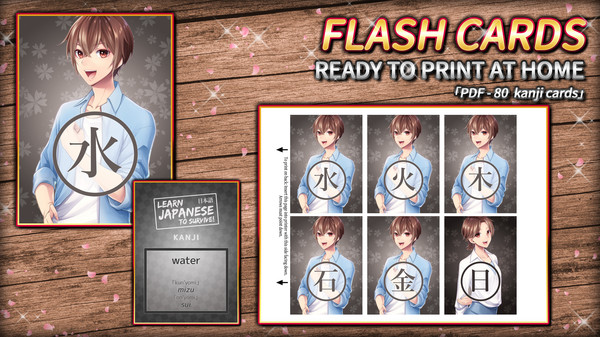
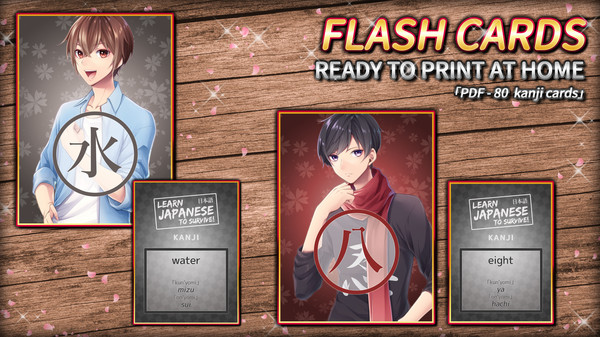
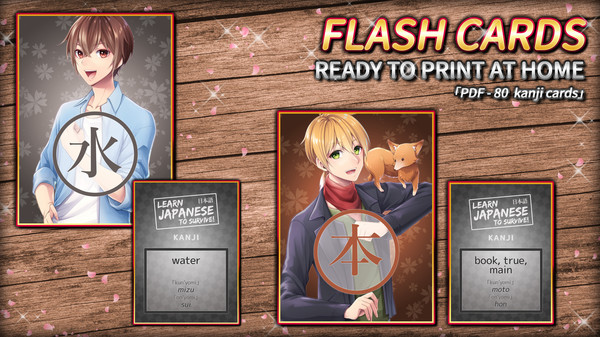
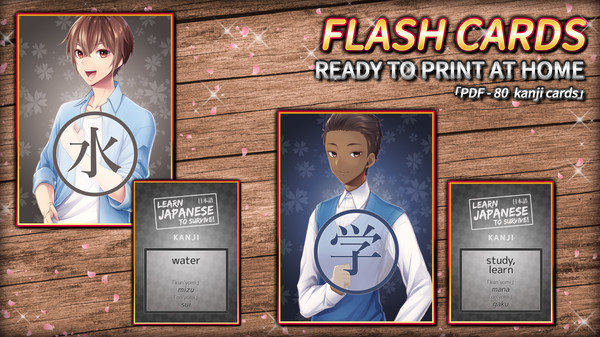
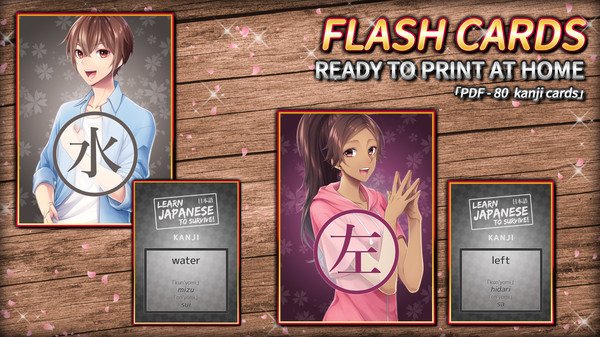
Enhance your Japanese learning experience with the Learn Japanese To Survive! Kanji Combat - Flash Cards DLC pack. This set includes 80 double-sided kanji flash cards that are designed for easy at-home printing. The cards feature vibrant artwork inspired by the popular game, making your study sessions more engaging.
Upon purchasing this DLC, you will gain access to downloadable files that allow you to print the flash cards. Simply follow the included instructions to ensure proper printing, then cut them out to start using them in your studies. This pack specifically covers the first set of kanji introduced in Kanji Combat, providing a solid foundation for your Japanese language journey.
Locating your DLC is straightforward; the files will be downloaded directly to your game’s Steam directory. If you encounter any issues, you can find the files by navigating to your game library, right-clicking on the game entry, and selecting Properties, followed by the Local Files tab.
Make your learning interactive and effective with these thoughtfully designed flash cards!