


Groupy CD Key
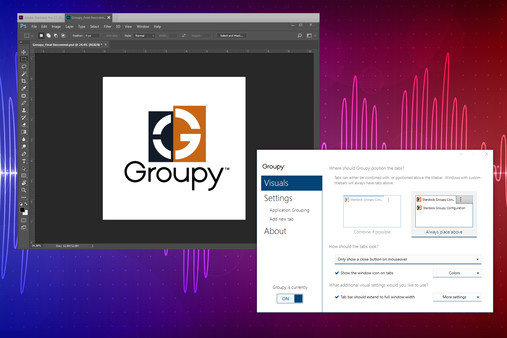
Group windows like a browser: drag apps into tabbed groups, including Office and Explorer, into a single window. Save groups for later use, switch with hotkeys, auto‑group new apps, preview by hovering tabs, and copy files between Explorer tabs.
Looking for the best price for Groupy? Compare offers from 2 stores on CheckGamePrices to find the cheapest Steam key available. Right now, the lowest price is 11.04$ at Kinguin.
Current Lowest Price
11.04$

Visit store
Release Date
23 May, 2019
Publisher/Developer
Stardock
Reviews
Steam: 72.73% positive (32/44)
Metacritic: -
System Requirements
Minimum:
- OS *: Windows 7 / 8 / 10
- Memory: 1 MB RAM
- Storage: 15 MB available space
Recommended games




Groupy description
Groupy — Tabbed Window Grouping for Windows
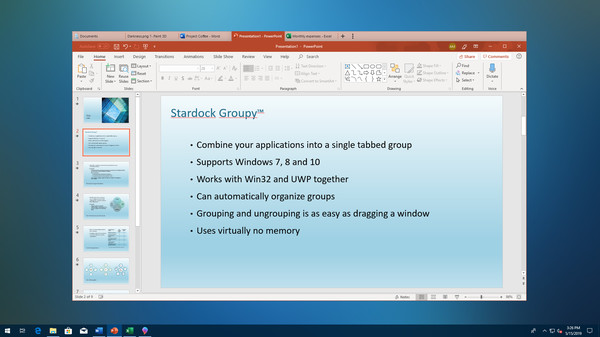
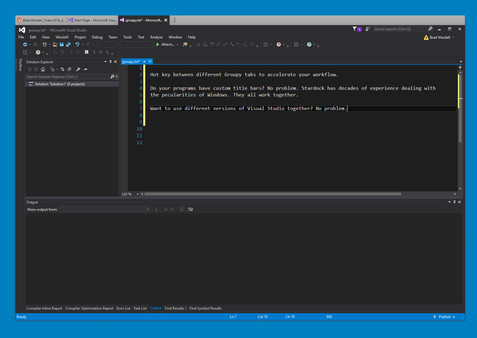
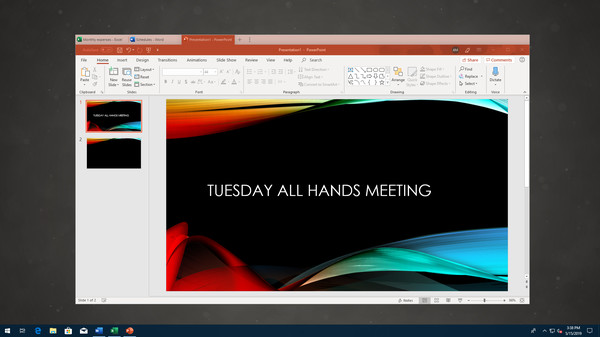
Groupy is a desktop productivity tool that brings browser-like tab organization to your Windows workspace. It lets you combine different applications and documents—such as Microsoft Office programs, Adobe Creative Suite apps, and File Explorer windows—into a single, tabbed window. The result is a cleaner desktop and a more efficient workflow.
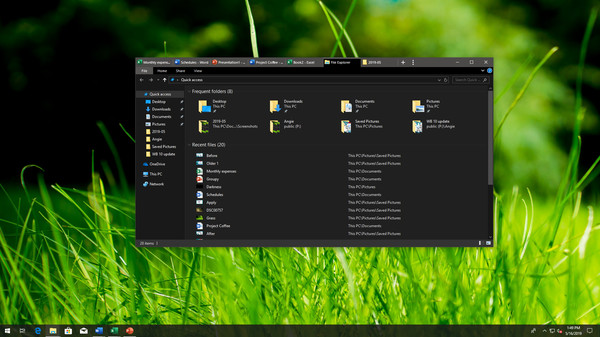
Creating groups is straightforward: drag one window onto another, and they fuse into a single window with tabs appearing in the title bar. You can open multiple tools or documents and keep them neatly grouped under one tabbed interface. To ungroup, simply drag the tab off the group. Your setup remains flexible and reversible.
Save your groups for future use. A grouped workspace can be launched again at any time, letting you jump straight into a familiar, organized environment without reconfiguring things each time. Switching between different groups is fast—use a hot-key or click a tab to move between windows in a single, browser-like window.
Groupy also automates organization: launched programs can be added automatically into an existing tabbed group, maintaining consistency across sessions. It supports Windows 7, Windows 8, and Windows 10, ensuring broad compatibility with common desktop setups.
Key features at a glance:
- Drag and drop to group applications under a common tabbed interface.
- Consolidate related apps and documents for convenient access and improved workflow.
- Save groups of applications for later use and quick launch.
- Navigate between tabs with a hot-key or by clicking, just like a browser.
- Mouseover tabs to preview the contents of each window without leaving the group.
- Copy files between Explorer tabs by dragging to the target tab, pausing to switch, then dropping into the desired window.
- Automatically group instances of the same application to keep related tasks together.
Use cases include collecting multiple web pages in one window, consolidating Office apps like Word and Excel, or bringing together Adobe tools and related documents. Groupy helps you maintain a clean desktop, accelerate task switching, and focus your workflow in a single, organized interface.