
DIKDIK Video Kit 2025 CD Key
Current Lowest Price


Release Date
Publisher/Developer
Reviews
Game Tags
System Requirements
- Requires a 64-bit processor and operating system
- OS: Windows 10,11(64 bit)
- Processor: 1GHz Intel/AMD processor or above
- Memory: 4 GB RAM
- Graphics: Intel/AMD/NVidia graphics card
- Network: Broadband Internet connection
- Storage: 800 MB available space
- Sound Card: Sound card, USB, or Firewire sound device
DIKDIK Video Kit 2025 Steam Price History Chart
Lowest Steam price ever: 17.99$ — 2025-04-17
DIKDIK Video Kit 2025 description
DIKDIK Video Kit 2024
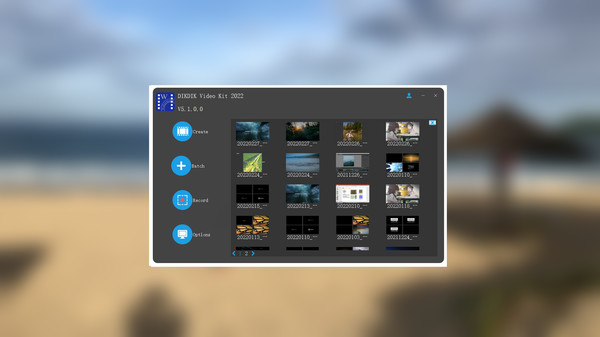
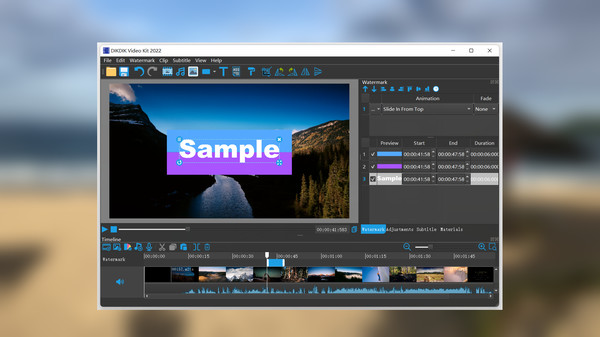
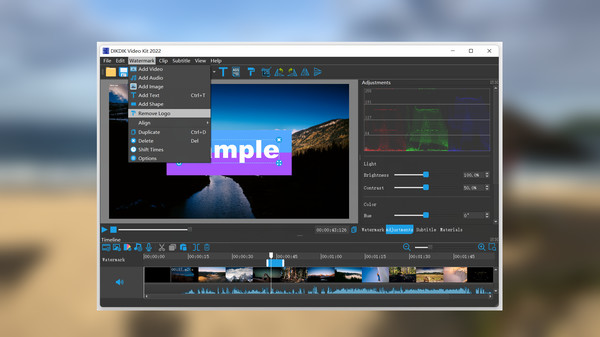
DIKDIK Video Kit 2024 is a comprehensive software suite designed for seamless video creation, batch editing, and screen recording. With its user-friendly interface, the software allows for easy editing of videos, adding watermarks, subtitles, and even converting video to PDF format. Thanks to its WYSIWYG editor, users can effortlessly insert video, audio, images, and text, while customizing the timing, position, size, and animated effects for watermarks and subtitles.
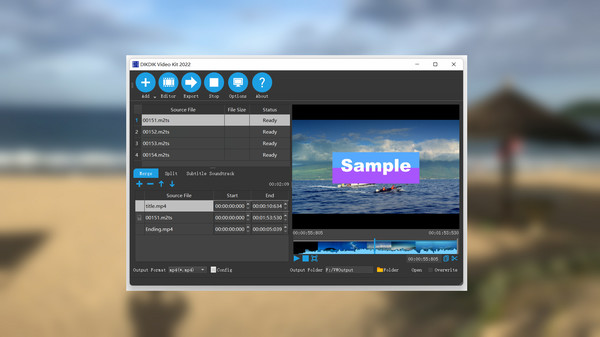
Key features include batch video editing capabilities—supporting actions like merging, splitting, cropping, adding background music, and watermarking. The software also supports auto subtitling, allowing for the automatic addition of subtitles to videos. Users can manipulate video content with precision using a timeline for trimming and splitting clips, ensuring that every moment is captured perfectly.
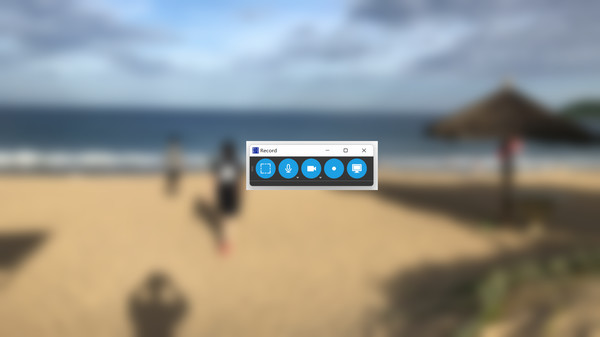
The screen recording feature supports both full-screen capture and specific areas, along with webcam and game recording. Users can narrate over recordings with microphone audio, capturing system sounds with high quality at 120fps. DIKDIK Video Kit 2024 is the ideal tool for creators looking to enhance their video projects efficiently.