

PC Building Simulator CD Key
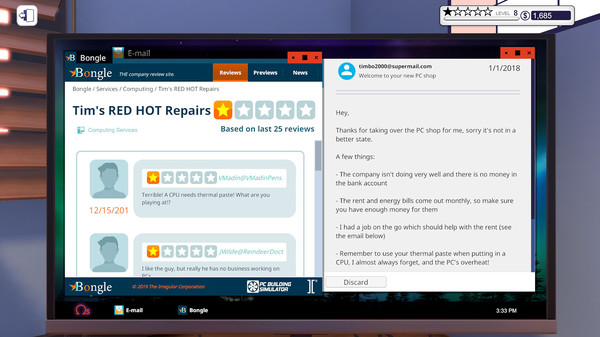
Build and manage your own PC business in PC Building Simulator, where you can repair, upgrade, and create bespoke systems using real-world components. Experience a career mode with various jobs, customize your builds, and learn the assembly process step-by-step while benchmarking your ultimate creations.
Looking for the best price for PC Building Simulator? Compare offers from 11 stores on CheckGamePrices to find the cheapest Steam key available. Right now, the lowest price is 14.02$ at GameSeal, which is 30% cheaper than the current Steam price (19.99$).
Current Lowest Price
14.02$

Visit store
GameSeal - PC Building Simulator (PC) Steam Key - GLOBAL
14.02$

Eneba - PC Building Simulator Steam Key UNITED STATES
14.61$

Gamivo - PC Building Simulator Global
15.34$

G2A - PC Building Simulator (PC) - Steam Key - GLOBAL
18.06$

GreenManGaming - PC Building Simulator
19.99$

GameBillet - PC Building Simulator
19.99$

Steam
19.99$

GamersGate - PC Building Simulator
19.99$

GOG - PC Building Simulator
19.99$

Fanatical - PC Building Simulator
19.99$

Kinguin
26.73$
Release Date
29 Jan, 2019
Publisher/Developer
The Irregular Corporation, Claudiu Kiss
Reviews
Steam: 93.62% positive (39485/42176)
Metacritic: -
Game Tags
System Requirements
Minimum:
- OS *: Windows 7 or higher
- Processor: Intel Core i5-2500K or AMD Athlon X4 740 (or equivalent)
- Memory: 4 GB RAM
- Graphics: GeForce GTX 660 (2048 MB) or Radeon R9 285 (2048 MB) - Integrated GPUs may work but are not supported.
- DirectX: Version 9.0c
- Storage: 30 GB available space
- Sound Card: DirectX compatible
Recommended games




PC Building Simulator Steam Price History Chart
Current Steam price: 19.99$
Lowest Steam price ever: 4.99$ — 2026-07-09
Lowest Steam price ever: 4.99$ — 2026-07-09
Loading PC Building Simulator price history chart...
PC Building Simulator Reviews Summary
Users wrote
Many reviews praise PC Building Simulator as an educational, hands-on way to learn PC building and troubleshooting. Players enjoy the relaxing, cozy gameplay and the sense of progression in career and free-build modes. A common caveat is that the game is outdated, with older hardware and few updates. Platform and update issues, including PC Building Simulator 2's Epic Games Store exclusivity, are frequent downsides, along with some repetition in tasks. Overall it’s a solid learning tool for beginners, but its age and distribution choices limit its appeal.
Last updated: 2026-03-05
Most Mentioned Advantages
- Educational value (60 mentions) - The game teaches PC building basics, troubleshooting, and how parts work. It guides players through diagnosing problems, choosing parts, and assembling systems in a hands-on way. It is described as approachable for beginners and a practical way to learn real-world concepts. Reviewers often note that learning happens naturally while playing.
- Relaxing and calming gameplay (50 mentions) - Many reviews describe the game as relaxing and soothing to unwind with. The steady workflow of building PCs, fixing issues, and servicing clients provides a calm, cozy vibe. Players mention it as a good way to relax after work or during free time. The game\'s pace and feedback from completing builds contribute to its soothing atmosphere.
- Realistic hands-on PC building (45 mentions) - Reviewers note that building PCs in the game feels realistic and engaging, especially the processes of diagnosing problems and choosing parts. While some aspects are simplified for gameplay, the core workflow reflects real-world PC assembly. The experience appeals to hardware enthusiasts who want a believable PC-building loop. Some reviewers mention that the realism is enough to teach practical concepts.
- Career mode and free build provide progression (40 mentions) - Career mode gives goals, progression, and a sense of growth as you grow a workshop. Free build lets you experiment with parts and setups without client constraints. Players appreciate the combination of tasks, upgrades, and shop management that adds variety. This mix creates long-term engagement for many players.
- Beginner-friendly and accessible (38 mentions) - Many reviews say the game is approachable for newcomers to PC building. The tutorials and gradual introduction help players learn without feeling overwhelmed. It remains appealing for people who want to learn about computers in a low-stakes, relaxing setting.
Most Mentioned Disadvantages
- Outdated hardware and limited modern parts (70 mentions) - Several reviews point out that the hardware in the game is outdated and does not include current-generation components. They note the absence of newer GPUs, CPUs, and DDR5 memory. This can break immersion for players who follow real-world tech closely. Overall it reduces realism for modern builds.
- Lack of updates and content stagnation (60 mentions) - Many reviews mention the game hasn’t received updates in years and feels abandoned by the developers. They note a lack of new parts, DLCs, or modern hardware. As a result, progression and variety can feel limited.
- Repetitive career tasks (55 mentions) - Multiple reviews describe the career mode as repetitive, with similar types of repairs and tasks. Some players feel progression stalls, and the core goals do not change much over time.
- Price and content value concerns (30 mentions) - Some reviews argue the base game is overpriced given its age and limited content. Others mention that parts and options are limited, making it less appealing at full price.
- Epic Games Store exclusivity for PC Building Simulator 2 (25 mentions) - Several reviews mention that PC Building Simulator 2 is exclusive to the Epic Games Store and not on Steam. This platform restriction frustrates players who prefer Steam or want access to the new content.
Compared Games
- PC Building Simulator 2 (5 mentions) - Reviewers compare it to PC Building Simulator 2, noting that the sequel has newer hardware options and is exclusive to Epic Games Store. Some say the sequel improves on the original in certain aspects.
Users wrote
Advantages mentioned by the majority
Less frequently mentioned disadvantages
Comparisons to other games
PC Building Simulator description
PC Building Simulator
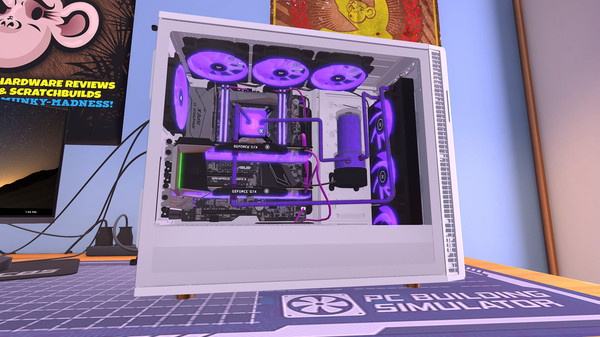
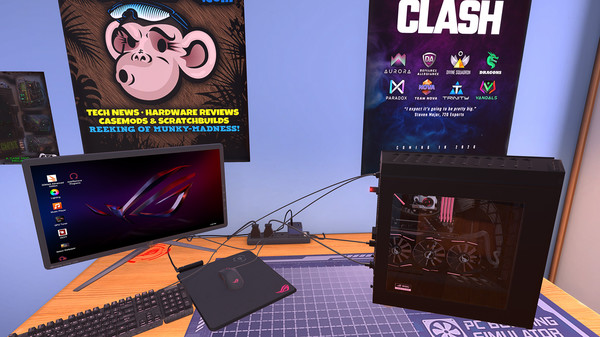
Step into the world of PC Building Simulator, where you can construct the PC of your dreams from scratch. This immersive simulation allows you to manage your own PC building and repair business, taking on various jobs from clients that range from simple upgrades to complete custom builds. With a cozy workshop at your disposal, you will use your technical skills to balance customer needs and business profitability.
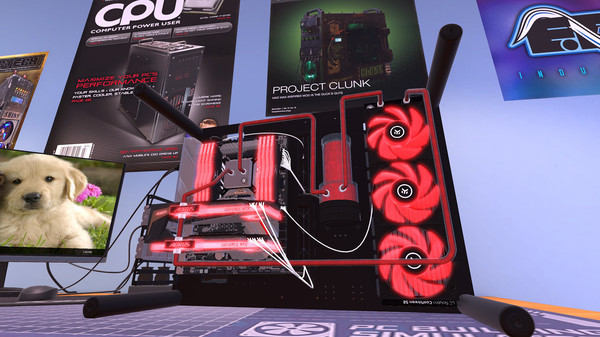
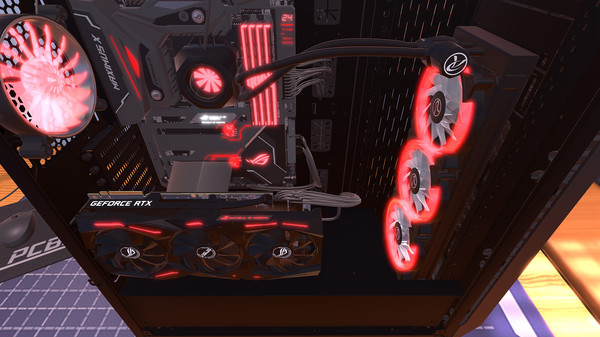
Featuring a vast marketplace filled with accurately modeled real-world components, the game lets you choose from a plethora of parts by your favorite manufacturers. Whether it’s selecting the perfect case, air or water cooling solutions, or customizing your rig with unique LED and cabling options, the possibilities are endless.
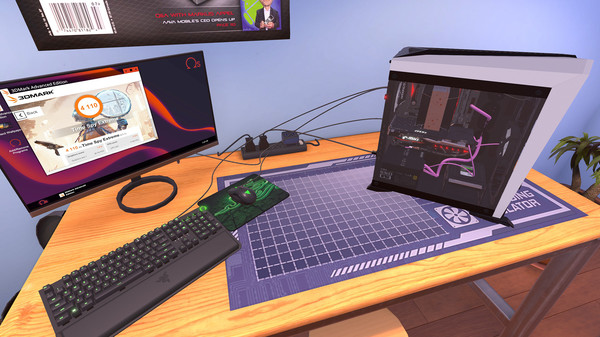
Once your build is complete, power it up and benchmark its performance using 3DMark. If the results don’t meet your expectations, you can dive into the BIOS to overclock your system and fine-tune the performance.
Additionally, the IT Expansion adds over 20 hours of free content, allowing you to tackle IT support tasks, making it a comprehensive experience for both novice and seasoned builders alike.