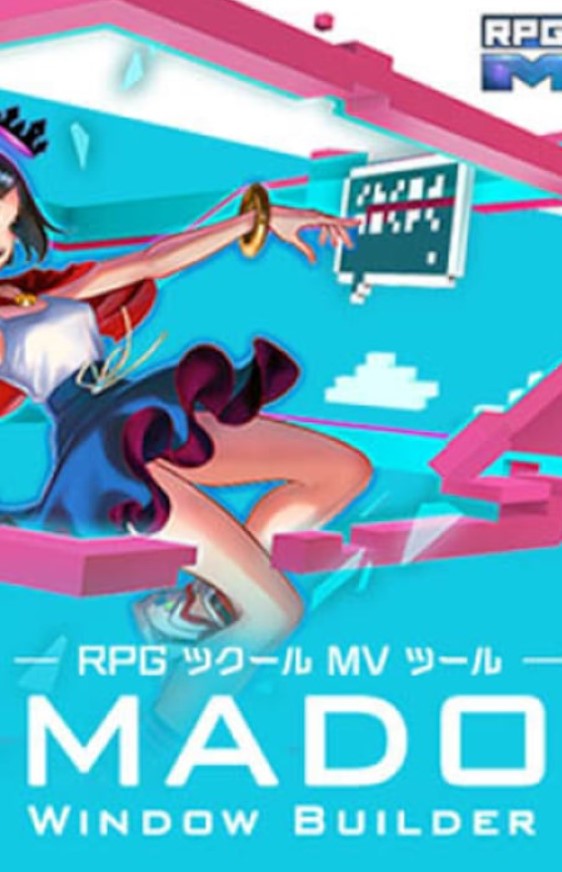
RPG Maker MV - MADO CD Key
Current Lowest Price

1.79$

1.85$

1.90$

4.45$

9.99$
Release Date
Publisher/Developer
Reviews
Game Tags
System Requirements
- OS *: WindowsR 7/8/8.1/10 (32bit/64bit)
- Processor: Intel Core2 Duo or better
- Memory: 2 GB RAM
- Graphics: DirectX 9/OpenGL 4.1 capable GPU
- Storage: 500 MB available space
- Additional Notes: 1280x768 or better Display
RPG Maker MV - MADO Steam Price History Chart
Lowest Steam price ever: 1.99$ — 2026-10-16
RPG Maker MV - MADO description
MADO: The Ultimate Customization Tool for RPG Maker MV
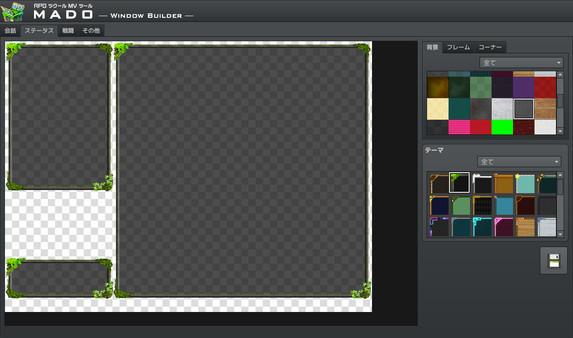
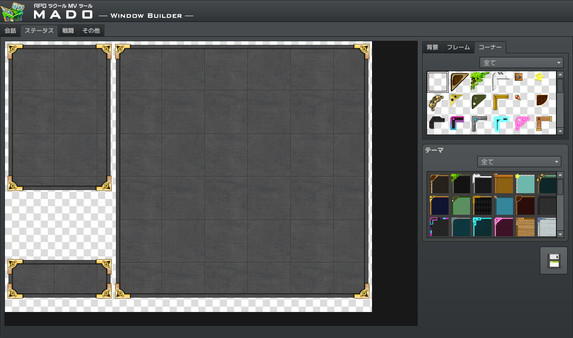
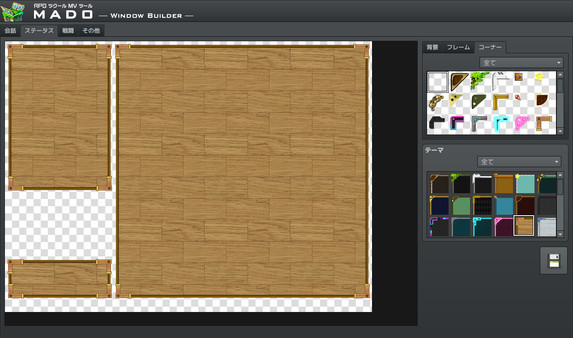
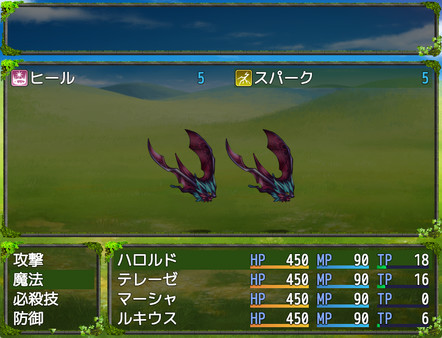
MADO is a powerful tool designed specifically for the RPG Maker MV series, empowering developers to effortlessly customize the window graphics in their games. With MADO, you gain access to an impressive library of 50 themes, offering a variety of frame styles, corners, and background patterns that cater to numerous game genres.
Whether you are creating a classic fantasy RPG, a futuristic world, or even a high-school romance, MADO's diverse themes, including Standard, Modern, Pop, Material, and Machine, allow you to tailor your game windows to perfectly match the aesthetics of your game.
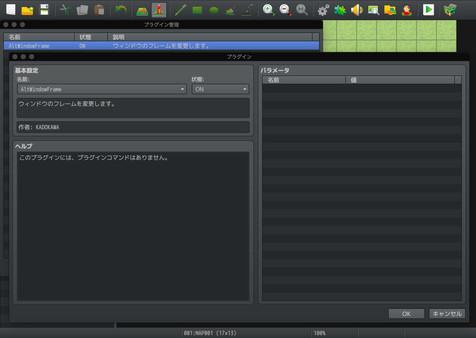
Installing MADO is a simple process: open RPG Maker MV, navigate to Tools, and select Window Maker to add MADO. A user-friendly guide is available in the Help Tab to assist you in your customization journey.
Furthermore, MADO allows you to enhance your game further by adding your own original window graphic parts. Simply navigate to the designated folders, follow the templates provided, and create custom graphics that elevate your project to new heights. Unleash your creativity with MADO and transform your game into a visual masterpiece!