
DIKDIK Video Converter CD Key
Current Lowest Price


Release Date
Publisher/Developer
Reviews
Game Tags
System Requirements
- Requires a 64-bit processor and operating system
- OS: Windows 10,11(64 bit)
- Processor: 1GHz Intel/AMD processor or above
- Memory: 4 GB RAM
- Graphics: Intel/AMD/NVidia graphics card
- Storage: 500 MB available space
- Sound Card: Sound card, USB, or Firewire sound device
DIKDIK Video Converter Steam Price History Chart
Lowest Steam price ever: 14.99$ — 2026-10-19 — Current low
DIKDIK Video Converter description
DIKDIK Video Converter
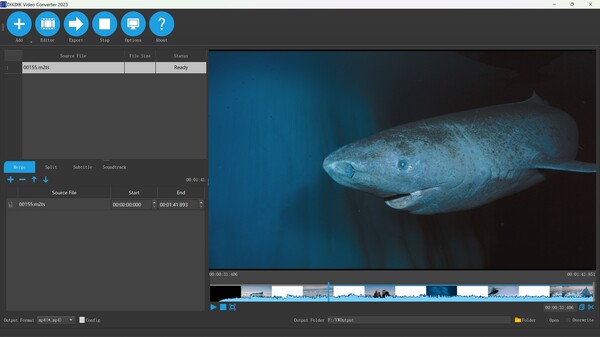
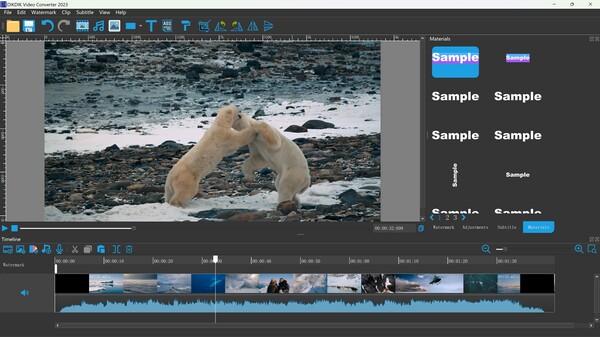
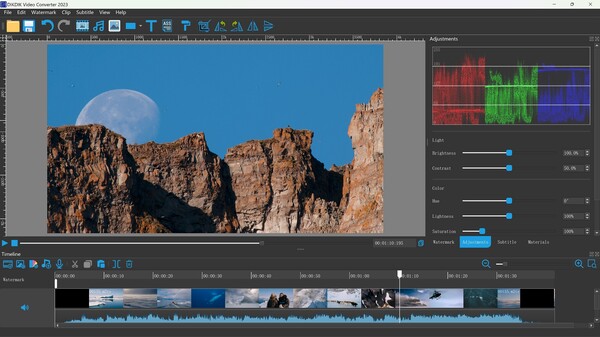
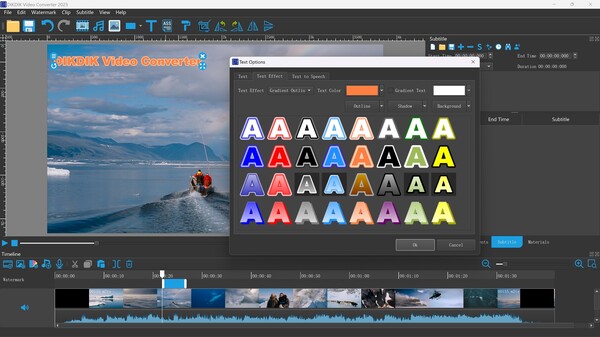
DIKDIK Video Converter is your ultimate all-in-one solution for video editing and conversion. This user-friendly tool allows everyone to seamlessly convert videos while providing robust features for advanced editing. With capabilities to add watermarks in batch, you can easily include text, images, and logos to your videos. The innovative WYSIWYG editor lets you customize the appearance, size, position, and animation effects of your watermarks and subtitles, ensuring a professional finish.
The software supports various functionalities such as cropping, splitting, and merging videos in bulk. Whether you're looking to split a video into multiple segments or merge various clips, DIKDIK makes it straightforward. It also includes features for adding dynamic effects to your watermarks and subtitles, such as expand, scroll, flash, and fade-in animations.
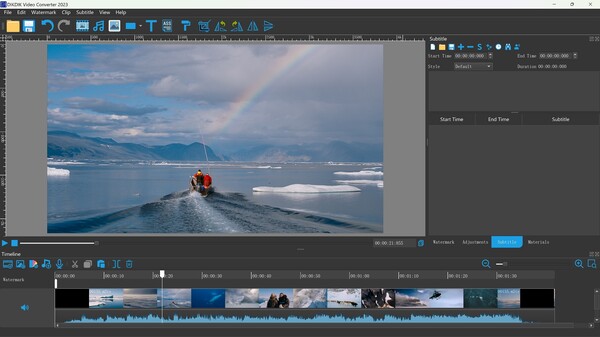
Additionally, DIKDIK supports speech-to-text conversion, making it ideal for transcribing audio files into text or adding subtitles in popular formats such as .srt or .ssa. This comprehensive tool is designed to cater to all your video processing needs, making your editing experience efficient and enjoyable.