
Love Spell: Wallpaper & SNS Icon Pack CD Key
Current Lowest Price



Release Date
Publisher/Developer
Reviews
Love Spell: Wallpaper & SNS Icon Pack Steam Price History Chart
Lowest Steam price ever: 1.59$ — 2026-10-08
Love Spell: Wallpaper & SNS Icon Pack description
Love Spell: Wallpaper & SNS Icon Pack
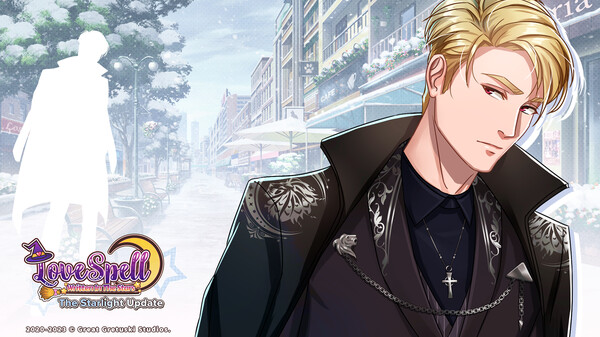
Show your love for Love Spell: Written In The Stars and support the development team with this official Wallpaper & SNS Icon Pack. This pack features a variety of beautifully designed digital assets that enhance your gaming experience.
Included in this pack are:
- 7 Mobile Wallpapers featuring characters like Enix, Jamie, and Marcello.
- 14 SNS Icons to personalize your social media profiles.
- 14 Desktop Wallpapers to bring the enchanting world of Love Spell to your computer screen.
Installation Instructions: After purchasing and installing the DLC, find your digital goods in the "Love Spell Digital Extras" folder located in the root directory of your Love Spell installation. For Windows 10 users, this is typically found at C:\Program Files (x86)\Steam\steamapps\common\Love Spell Written In The Stars.
If you need help locating your game, simply navigate to Love Spell in your Steam library, right-click and select Properties. Then, go to the Local Files tab and click Browse Local Files to access the installation folder.