
Kurisu CD Key
Current Lowest Price

Release Date
Publisher/Developer
Reviews
Game Tags
System Requirements
- Requires a 64-bit processor and operating system
- OS: Windows 10 64bit
- Processor: 2.3Ghz Intel or AMD
- Memory: 300 MB RAM
- Graphics: 2G VRAM Intel or AMD or NVIDIA
- DirectX: Version 9.0
- Network: Broadband Internet connection
- Storage: 500 MB available space
Kurisu Steam Price History Chart
Lowest Steam price ever: 0.49$ — 2024-11-23
Kurisu description
Game Description: Kurisu
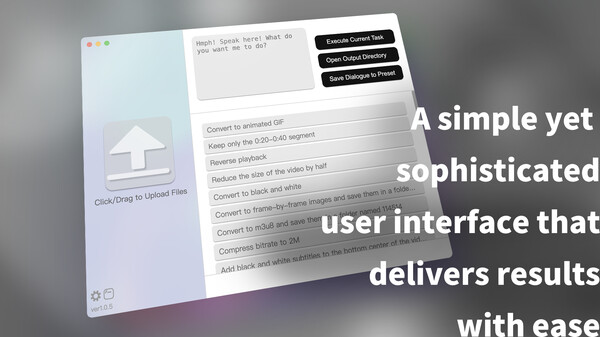
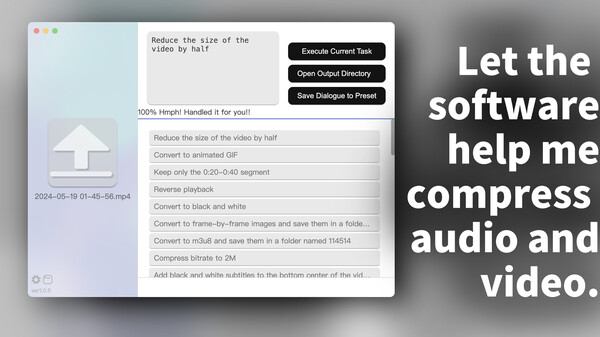
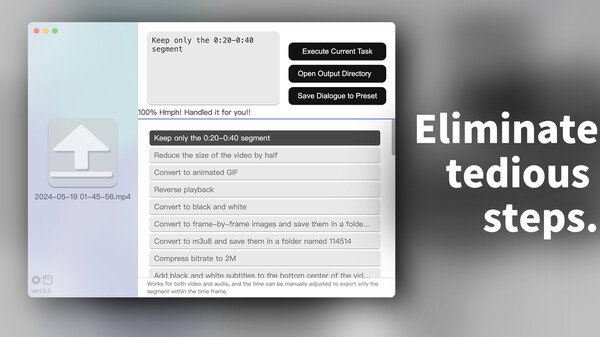
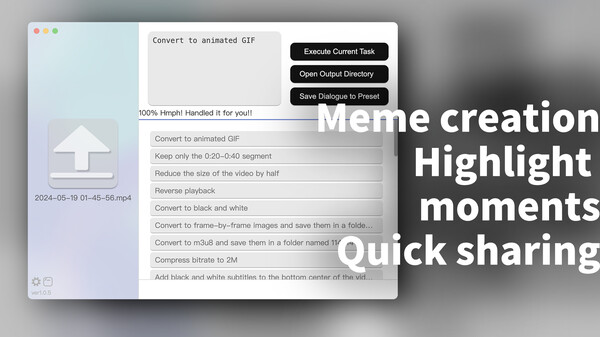
Kurisu is an innovative tool designed for audio and video editing, as well as image processing and transcoding, all through an intuitive text chat interface. With its effortless functionality, Kurisu allows you to process videos far quicker than conventional editing software. Most simple tasks—such as rotating, changing resolution, resizing, converting file formats, or clipping segments—can be accomplished swiftly, and the software also supports batch processing for maximum efficiency.
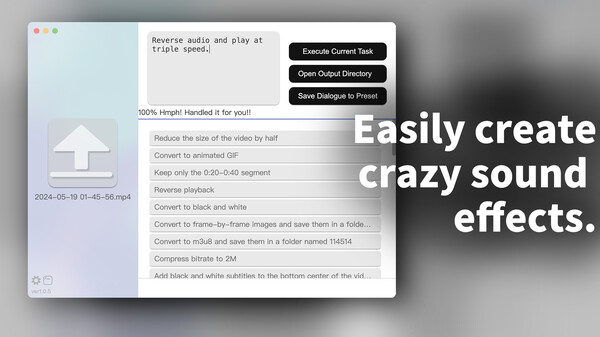
Its user-friendly design means that you simply select files and type commands to execute your desired operations, supplemented by pre-loaded dialogues for common tasks. Kurisu harnesses the power of OpenAI's ChatGPT and FFmpeg, enabling users to execute a wide range of commands without needing a separate API key. While Kurisu doesn’t provide video previews, it excels in quick batch processing for tasks like clipping and packaging.
Released under the GPLv3 open-source license, Kurisu is easily accessible, though users should note that some antivirus software may mistakenly flag the program. For macOS users on M Series processors, launching directly from Finder is recommended for optimal performance.