
PlayStation®VR2 App CD Key
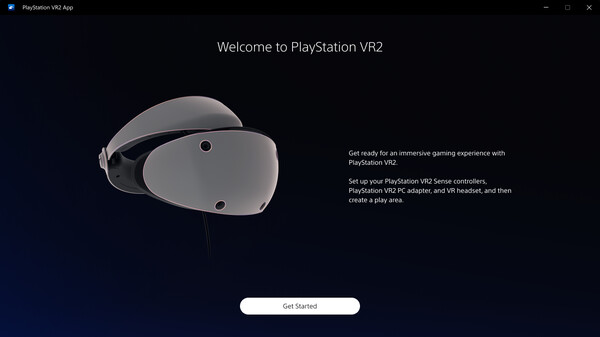
PlaySteam VR2 lets you enjoy virtual reality games and apps on Steam using your PlayStation VR2 headset and Sense controllers. Set up your device on PC, adjust settings through the SteamVR dashboard, and start playing immersive VR experiences. Ensure you meet PC requirements for optimal performance.
Looking for the best price for PlayStation®VR2 App? Compare offers from 1 stores on CheckGamePrices to find the cheapest Steam key available. Right now, the lowest price is 0.00$ at Steam.
Current Lowest Price
FREE

Visit store
Release Date
06 Aug, 2024
Publisher/Developer
Sony Interactive Entertainment, PlayStation Publishing LLC
Reviews
Steam: 56.99% positive (1023/1795)
Metacritic: -
System Requirements
Minimum:
- Requires a 64-bit processor and operating system
- OS: Windows 10/11
- Processor: Intel Core i5 7600 / AMD Ryzen 3 3100*¹
- Memory: 8 GB RAM
- Graphics: NVIDIA GeForce GTX 1650 or later*² / NVIDIA RTX Series / AMD Radeon RX 5500XT or later / Radeon RX 6500XT or later
- Storage: 700 MB available space
- Additional Notes: *¹ Zen 2 or later architecture is required
*² Turing or later architecture is required
Recommended games




PlayStation®VR2 App Steam Price History Chart
Current Steam price: FREE
Lowest Steam price ever: FREE — 2026-10-19 — Current low
Lowest Steam price ever: FREE — 2026-10-19 — Current low
Loading PlayStation®VR2 App price history chart...
PlayStation®VR2 App description
Experience VR Gaming Like Never Before
Dive into the immersive world of virtual reality with the PlayStation®VR2 App, designed to enhance your gaming experience on Steam. With your PlayStation VR2 headset and PlayStation VR2 Sense controllers, you can enjoy a wide array of VR games and applications directly from your PC.
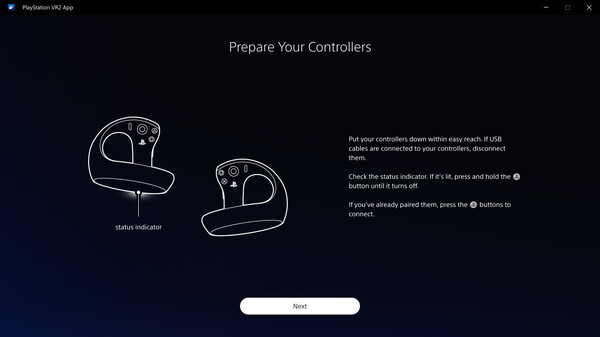
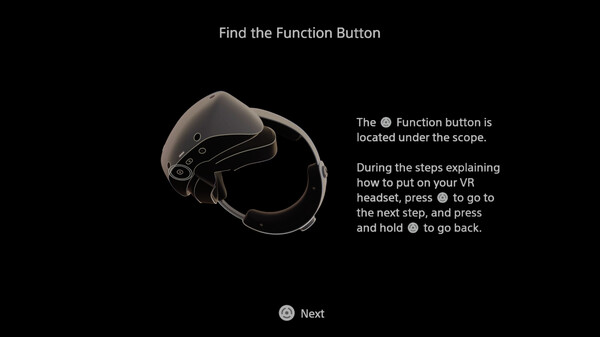
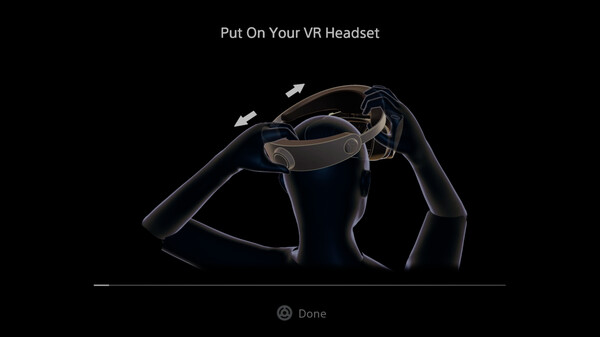
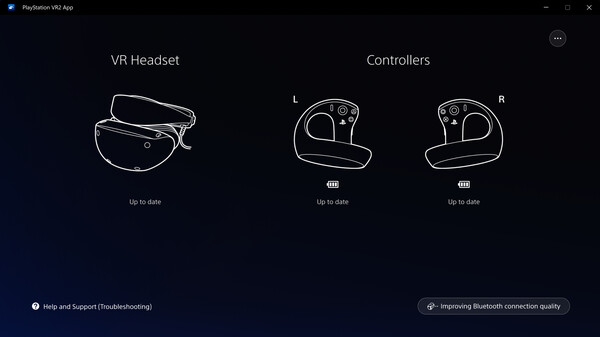
Getting started is easy! Simply set up your PlayStation VR2 on your computer and ensure that you update the firmware for both your headset and Sense controllers. The SteamVR dashboard allows you to adjust settings such as your play area and screen brightness, tailoring the experience to your liking.
To make the most out of your VR setup, ensure you have the necessary equipment: a PlayStation VR2 headset, PlayStation VR2 Sense controllers (which connect via Bluetooth), and a PlayStation VR2 PC adapter. For detailed specifications, be sure to check the “System Requirements” section.
Remember, keep the PlayStation VR2 App installed on your computer to access all the features and enjoy seamless VR gaming on Steam!