USBLockScreen CD Key
USBLockScreen is a security utility that locks your screen when an approved USB device is not connected. It features automatic screen locking, customizable multi-monitor backgrounds, input blocking, auto-lock on reboot, and automatic screenshot saving to the USB device.
Current Lowest Price

Visit store



Release Date
Publisher/Developer
문국진
Reviews
Steam: -
Metacritic: -
System Requirements
Minimum:
- Requires a 64-bit processor and operating system
- OS: Windows10 64bit
- Processor: 2GHz
- Memory: 2048 MB RAM
- Storage: 200 MB available space
USBLockScreen description
USBLockScreen: Enhanced Security for Your PC
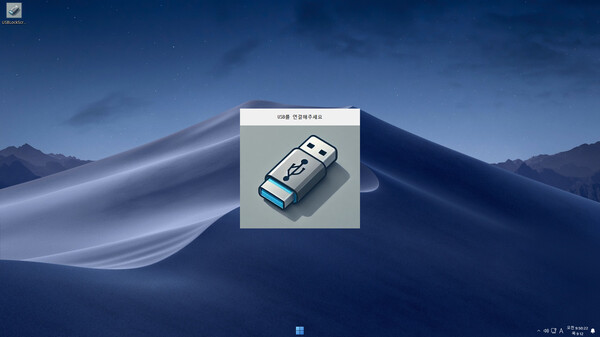
USBLockScreen is an innovative and straightforward screen security utility designed to maximize the usability of USB storage devices while safeguarding your computer. This essential tool automatically locks your screen when an approved USB device is disconnected or when an unrecognized USB device is connected, ensuring that access to your PC remains restricted without proper authorization.
Key Features
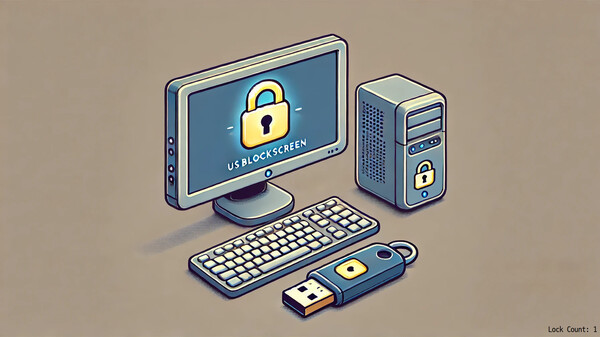
- Automatic Screen Lock: The screen locks automatically to prevent unauthorized access whenever an approved USB device is removed.
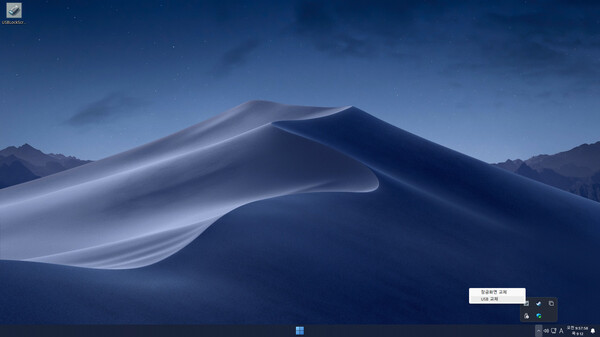
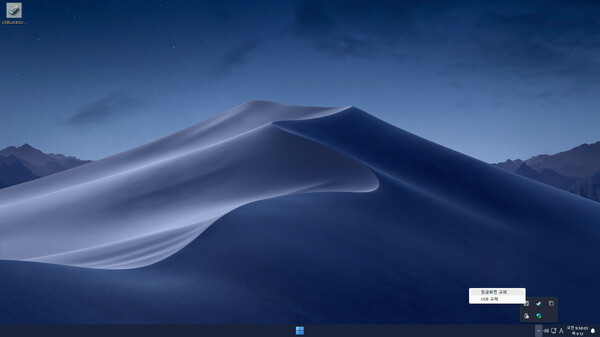
- Tray Icon Management: Easily manage your approved USB device settings and customize the lock screen background directly from the system tray.
- Multi-Monitor Support: Customize lock screens for up to three monitors, each with its own unique image settings.
- Input Blocking: With the lock screen activated, all keyboard and mouse inputs are blocked, preventing unauthorized interactions.
- Auto-Lock on Reboot: The lock screen activates automatically after a reboot if the required USB device is not connected.
- Screenshot Saving: Automatically save screenshots to a date-based folder on the approved USB device when the Print Screen button is pressed.
Requirements:
A USB storage device is required to utilize USBLockScreen effectively.