
Scroll Wheel Adjuster CD Key
Current Lowest Price

Release Date
Publisher/Developer
Reviews
Scroll Wheel Adjuster Steam Price History Chart
Lowest Steam price ever: 0.49$ — 2026-09-24
Scroll Wheel Adjuster description
Scroll Wheel Adjuster: Simplify Your Mouse Experience on Linux
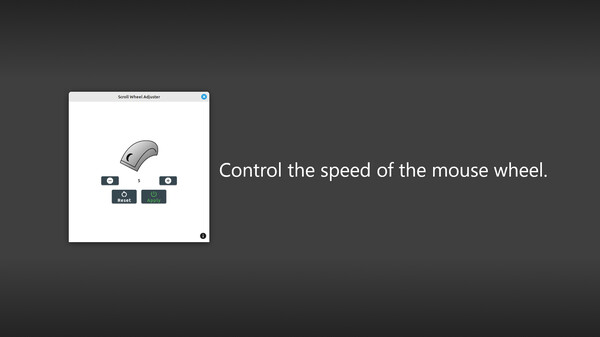
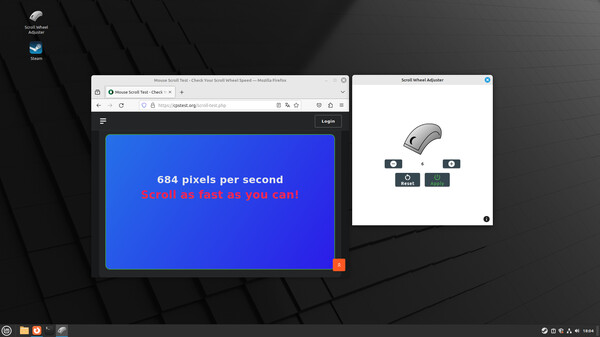
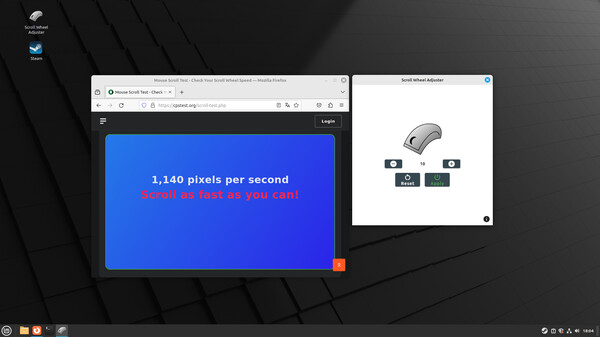
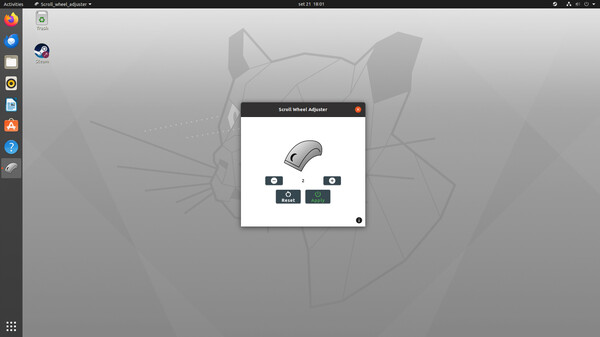
The Scroll Wheel Adjuster is a user-friendly application designed to enhance mouse wheel speed on Linux systems. It streamlines the installation of necessary dependencies and automatically configures settings for a hassle-free experience. Once adjusted, the speed settings remain effective even after a system restart.
This application has been rigorously tested and works seamlessly on Ubuntu 20.04.6 LTS, Linux Mint 22, and Linux Mint 21.3. However, users should note that it partially operates on Ubuntu 22.04.5 LTS and Ubuntu 24.04 LTS, particularly not functioning with Firefox. Unfortunately, it is incompatible with Ubuntu 23.10, Debian 9, and earlier releases.
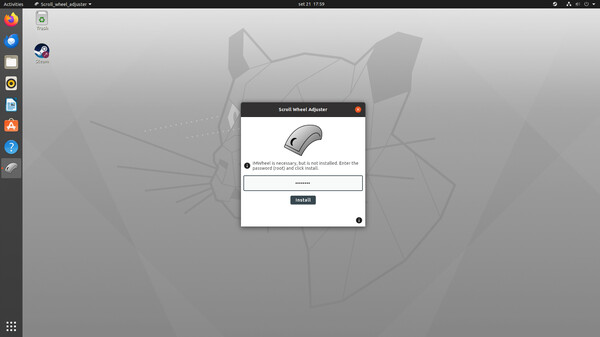
Utilizing IMWheel, a free tool for Linux, the Scroll Wheel Adjuster simplifies the process of configuring your mouse settings. While users can manually install IMWheel, this application automates the procedure for convenience. Do keep in mind that IMWheel does not support Wayland-based applications, such as the pre-installed Firefox on Ubuntu 24.04 LTS, but it generally works well with X11-based applications like Chromium.
In case of any installation issues, you can easily remove IMWheel using terminal commands for a clean uninstall.