
FrameFusion Motion Interpolation CD Key
Current Lowest Price

Release Date
Publisher/Developer
Reviews
Game Tags
System Requirements
- OS: Windows 10
- Memory: 4 GB RAM
- Graphics: GeForce GTX 750 Ti
- Storage: 3 GB available space
- Additional Notes: This application work better in a Nvidia card that support CUDA.
FrameFusion Motion Interpolation Steam Price History Chart
Lowest Steam price ever: 1.39$ — 2026-01-05
FrameFusion Motion Interpolation description
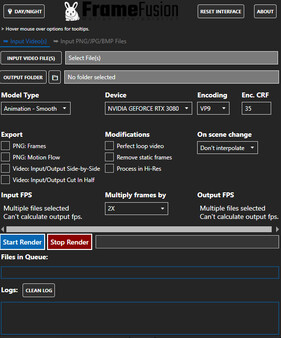
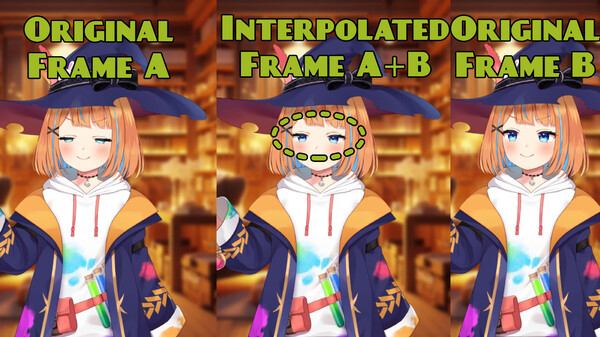
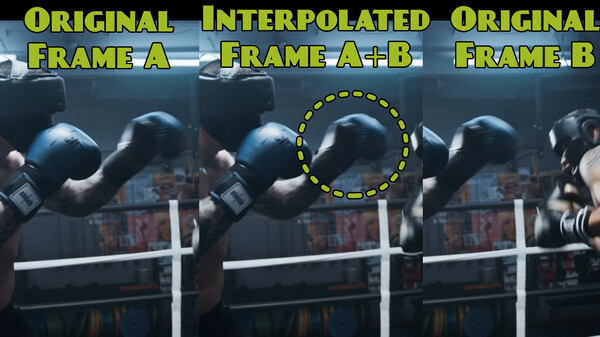
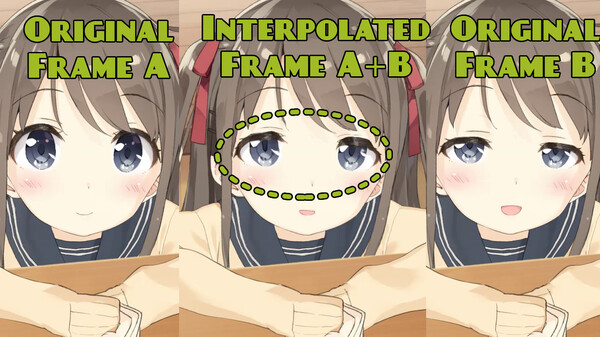
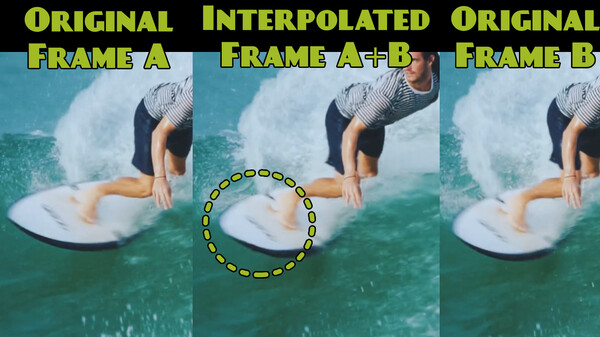
FrameFusion Motion Interpolation is an innovative application designed to enhance the framerate of any video, GIF, or collection of images by up to 16 times. Utilizing advanced neural networks, the software generates optical flows between frames to merge them into new, higher-framerate outputs. Users can easily import multiple formats, including PNG, JPG, and BMP, for seamless interpolation of existing content.
Featuring a selection of four distinct interpolation models, FrameFusion caters to both live-action and animated materials, allowing users to prioritize quality or speed based on their needs. The application is optimized for Nvidia GPUs with CUDA support, yet also works with AMD GPUs and CPUs, ensuring broad compatibility.
Key functionalities include batch processing with file queuing and progress tracking, as well as various export options, such as generating individual frames, visualizing optical flow, and creating side-by-side comparisons of the original and interpolated videos. Moreover, the software can create perfect loop videos, remove static frames, and skip scene changes for improved fluidity, making FrameFusion a powerful tool for those looking to elevate their visual media.