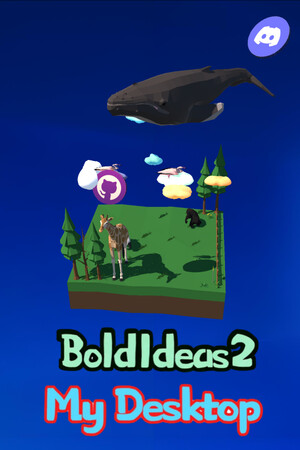
Bold Ideas 2 My Desktop CD Key
Current Lowest Price

1.04$

1.38$

3.99$


Release Date
Publisher/Developer
Reviews
Bold Ideas 2 My Desktop Steam Price History Chart
Lowest Steam price ever: 0.75$ — 2026-10-08
Bold Ideas 2 My Desktop description
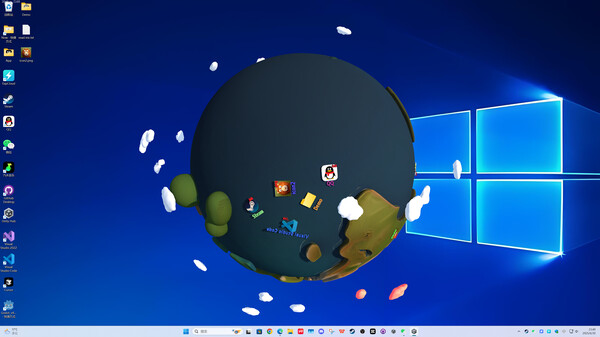
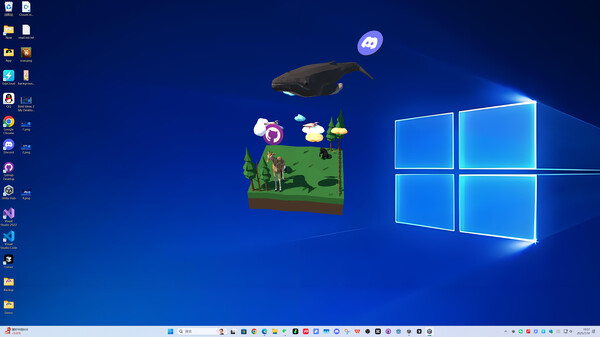
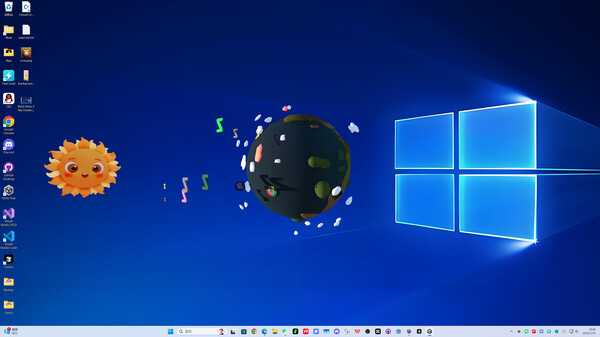
Bold Ideas 2 My Desktop is a desktop beautification and file management tool that turns your ordinary desktop into a small interactive 3D world. Instead of leaving files scattered across the screen, you can drag desktop files and folders into a chosen 3D map, where they are converted into matching 3D icons that live inside the scene.
Each file you place becomes a character-like object you can actually watch: the 3D icons can wander around the map and even sleep, making your workspace feel less static while you work. When you need something, simply double-click a 3D icon to open the corresponding file or folder—keeping quick access while making your desktop look organized and lively.
Key focus
- Desktop organization with personality: transform clutter into an interactive space.
- 3D maps and icons: choose a map you like and populate it with your desktop items.
- Fast access: open files directly from their 3D representations.
- Made to reduce boredom: adds a playful layer to everyday work tasks.
The project is actively developed by a single developer and has been expanded rapidly, with over 20 new features and over 20 maps added during a short development sprint. After release, the developer also delivered an urgent round of maintenance with more than 30 bug fixes and improvements, and ongoing updates are planned to further optimize details, usability, and stability.
If you want guidance, the game includes an embedded tutorial and update log URL. You can open it by clicking OK on the startup screen, or access it later from the settings menu (where you can also disable the startup prompt). The goal is simple: make your desktop cleaner, more enjoyable to look at, and more fun to use—without losing the convenience of traditional file access.