
Nekotype Keyboard Cat Simulator CD Key
Current Lowest Price


Release Date
Publisher/Developer
Reviews
Nekotype Keyboard Cat Simulator Steam Price History Chart
Lowest Steam price ever: 1.99$ — 2026-10-08
Nekotype Keyboard Cat Simulator description
Nekotype: Keyboard Cat Simulator
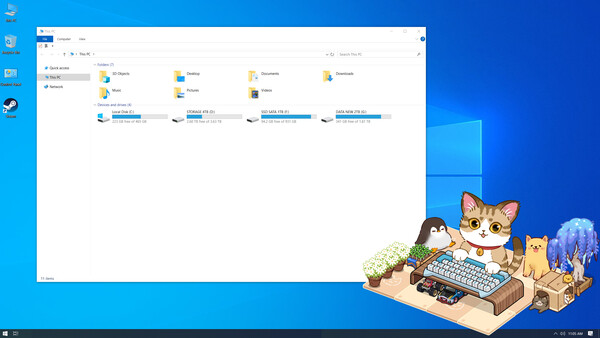
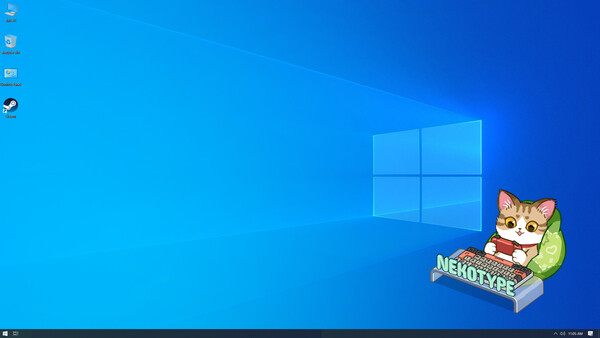
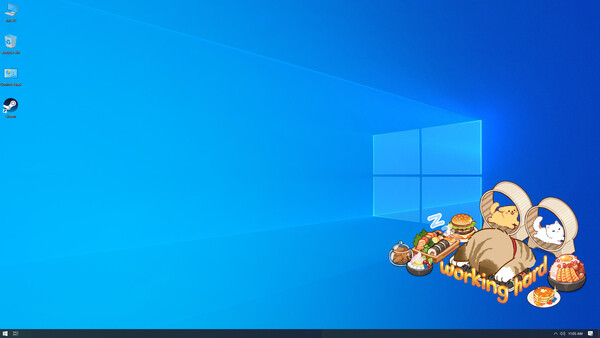
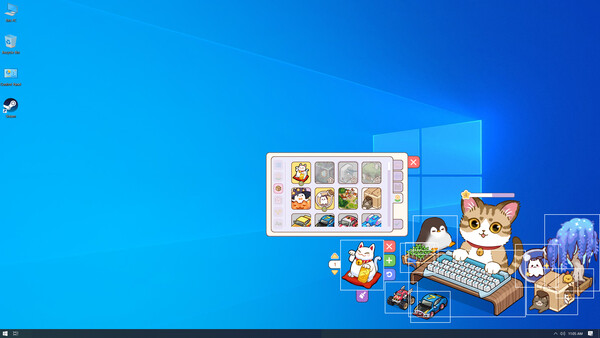
Meet NEKO, your tiny typing buddy and the star of an interactive keyboard simulation + desktop decoration experience. Every time you press a key, NEKO “types” with you—turning your everyday writing, chatting, or coding into a playful little routine. Your keystrokes aren’t just input; they’re the rhythm that keeps NEKO training, improving, and bringing a lively presence to your workspace.
Story & Concept
NEKO loves mechanical keyboards and cute decorative objects. Your goal is simple: help NEKO build the most satisfying, personalized setup possible. Design a keyboard that fits your style, then decorate the space around it with charming items—creating a cozy scene that evolves as you keep typing.
Key Features
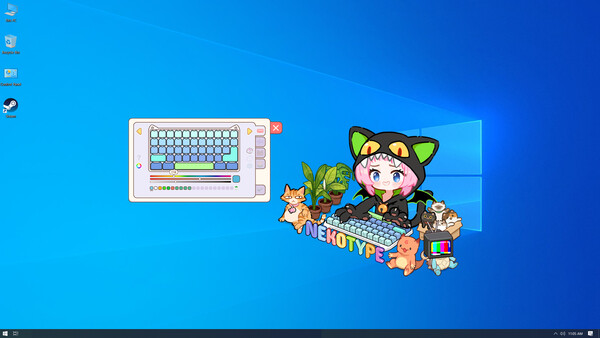
- Keyboard customization: adjust the keyboard’s shape, size, and overall look to match your preferred setup.
- Keypress sound personalization: choose and customize the sound of each key press for a more immersive typing vibe.
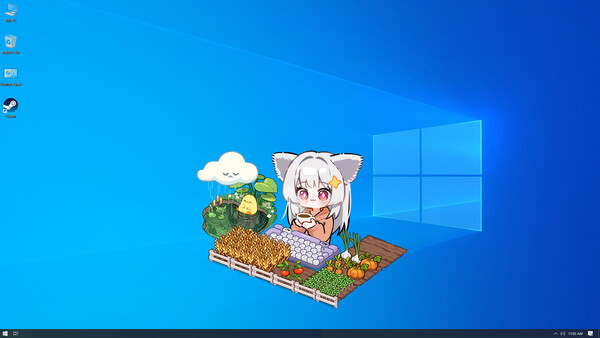
- Massive decoration library: browse hundreds of decorative items and place them around NEKO and the keyboard.
- Free arrangement: move and organize decorations to create your own clean desk aesthetic or an over-the-top cute display.
- Upload your own creations: add custom decorations using static or animated images, making your setup truly one of a kind.
- Choose your representative character: pick a character identity to accompany your keyboard scene.
Progression
The more you type, the more NEKO grows. Each key press grants experience points, helping NEKO level up and unlock new decorative items and additional features. Whether you’re writing a few lines or spending hours at your desk, your activity directly fuels progression—rewarding you with more ways to customize, decorate, and express your style.
If you want a cozy companion that reacts to your typing while giving you a fun, creative way to personalize a mechanical-keyboard-inspired scene, Nekotype: Keyboard Cat Simulator turns your workflow into a charming, collectible-driven space.