
Yap: The VR Dictation Keyboard CD Key
Current Lowest Price




Release Date
Publisher/Developer
Reviews
Game Tags
Yap: The VR Dictation Keyboard Steam Price History Chart
Lowest Steam price ever: 3.24$ — 2026-07-09
Yap: The VR Dictation Keyboard description
Yap: The VR Dictation Keyboard
Yap is a VR‑first speech‑to‑text dictation tool designed to replace clunky virtual keyboards with fast, natural voice input. It works across every PC application while you are immersed in VR, letting your speech flow directly into text without leaving your headset.
Key features
- Real‑time speech recognition optimized for VR use, delivering immediate text as you speak.
- Two performance modes tailored for mid‑range and low‑end systems, balancing accuracy and responsiveness.
- Controller‑accessible keybinds for Copy, Paste, Select, Enter, and Delete, enabling quick editing without removing your hands from the controllers.
- Works across all PC applications, providing universal dictation in any workflow.
- VR overlay interface accessible directly from your controllers for seamless control inside your environment.
- High‑accuracy voice recognition designed to minimize errors and maximize typing speed.
- Background operation that does not interrupt gameplay or break immersion.
- Optional text translation supporting 40+ languages, applied in real time to your dictated text.
How it works
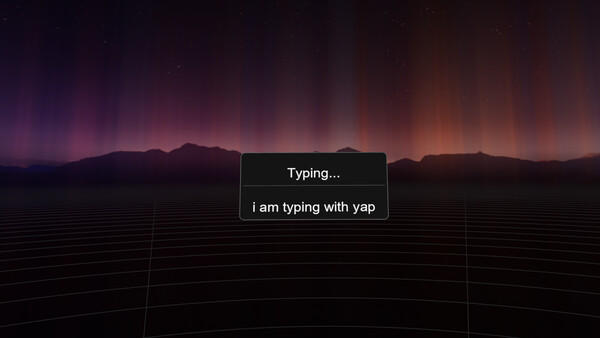
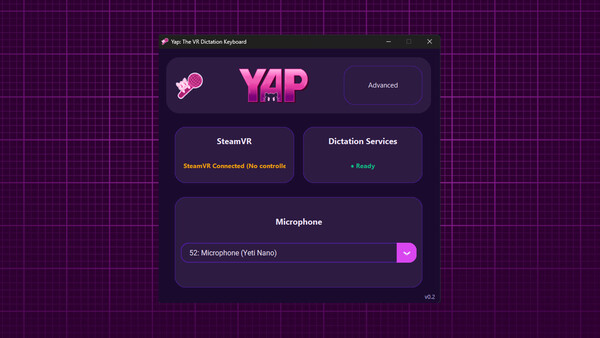
Yap runs as a SteamVR overlay and starts automatically with SteamVR. To dictate, simply hold the Trigger + B on your controller and speak naturally. Your speech is instantly converted into text and typed into the currently focused application, with optional translation applied in real time.
Replace your virtual keyboard with your voice and keep your hands free for gaming, drawing, design, or productivity. Yap brings precise, fluid dictation to every PC application while preserving full immersion in your VR world.