
LucidVR Video Player CD Key
Current Lowest Price


Release Date
Publisher/Developer
Reviews
Game Tags
LucidVR Video Player Steam Price History Chart
Lowest Steam price ever: 9.99$ — 2026-09-21
LucidVR Video Player description
LucidVR Video Player
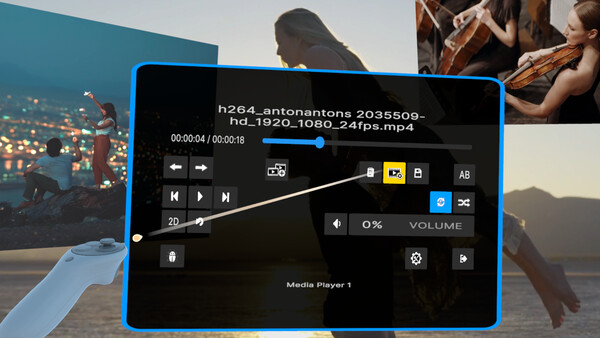
LucidVR is a 2D/3D VR media player powerhouse designed for total control over your immersive media experience. Its clean, no-nonsense interface lets you layer, arrange, and play multiple videos and images simultaneously to build bespoke, hyper-immersive scenes that push the boundaries of VR playback.
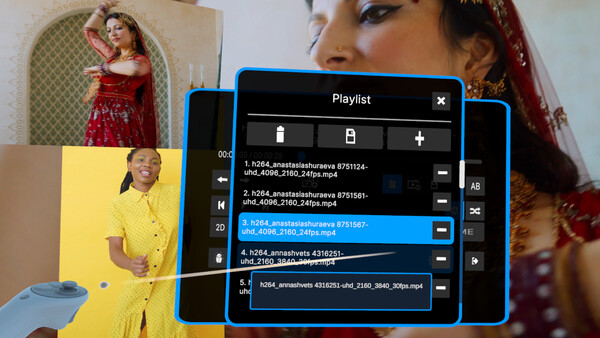
Key capabilities include watching two or more 3D VR videos at the same time, building multi-screen environments, overlapping content for creative effects, and designing entirely new ways to experience media. The app supports unlimited simultaneous playback, with a main immersive player and unlimited floating media players for flexible layouts.
Media and file support: play 2D and 3D content, including H.264 video and JPEG/PNG images. It also handles equirectangular VR videos and fisheye lens profiles for expanded immersion. Note: AV1 and H.265 are not yet supported (coming soon).
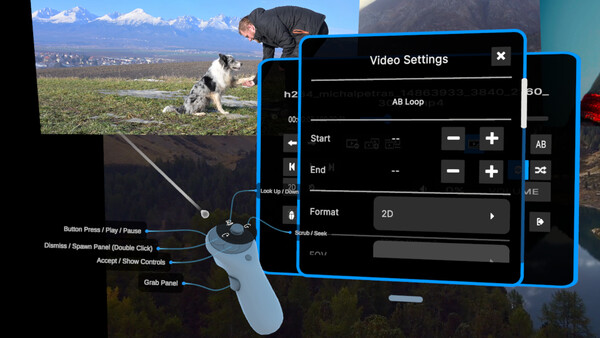
Controls and navigation: pitch through the headset using the thumbstick, yaw with the A/D keys, and roll with the Q/E keys, enabling precise perspective adjustments. Viewing modes can be configured as Side-by-Side, Top-Bottom, and various FOV options — 180°, 200°, 220°, and 360°.
App status and philosophy: LucidVR is actively evolving and deliberately unfinished in places, but core playback is stable and usable. It focuses on pure immersive control with ongoing UI/UX refinements and feature expansion. As a paid app, it ships without bloat or hidden tracking, prioritizing performance and your privacy.
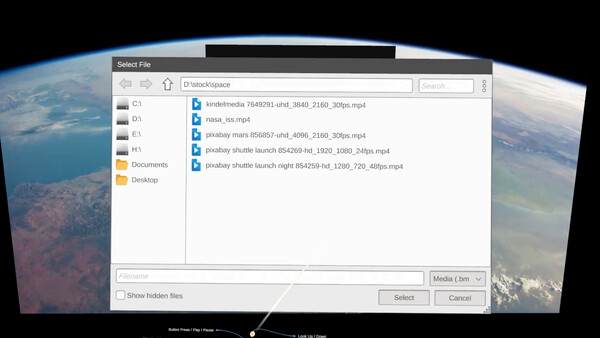
File access and sharing: built-in file browser with support for local drives and networked storage makes it easy to access large media libraries. A desktop mirroring toggle lets you share your headset view on the desktop when needed (toggle with F9).
Workflow enhancements: Boss Mode instantly hides content, an on-screen keyboard speeds searching, and expanded on-screen controls (translate, pitch, roll, yaw, aspect ratio, playback speed) improve workflow. The lens toolbox includes additional profiles like fisheye and broader FOVs.
Coming soon: enhanced media library management (tagging, rating, delete), improved decoding for AV1 and H.265, and ongoing UI/UX refinements. Expect broader gamepad support and more options that scale with your imagination.